How the Merry Script Font Can Elevate Your Small Business Branding
A Real Business Moment: Refreshing Our Bakery Packaging
Last month, my client—owner of a small artisan bakery—wanted to refresh their packaging. The goal was to make their boxes and labels feel more personal, yet polished. We updated the colors and layout, but something was still missing. The typography felt flat. That’s when I introduced Merry Script, a charming handwritten font that brought warmth and personality to the design without sacrificing professionalism.
What Is Merry Script and Why It Stands Out
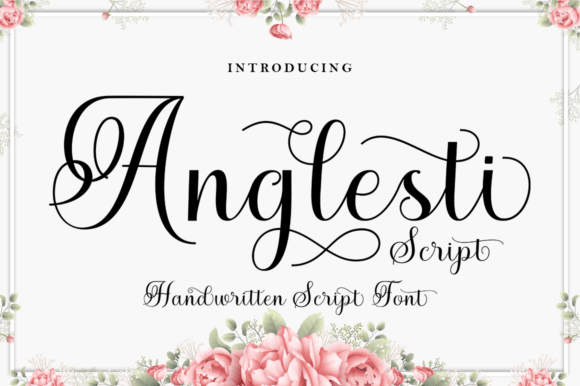
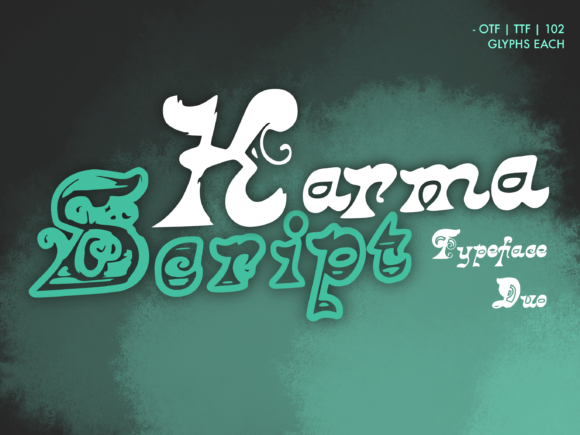
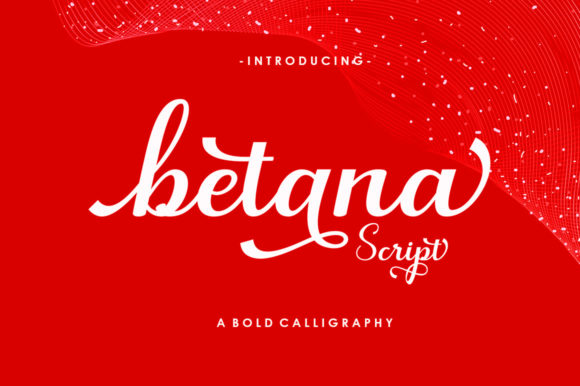
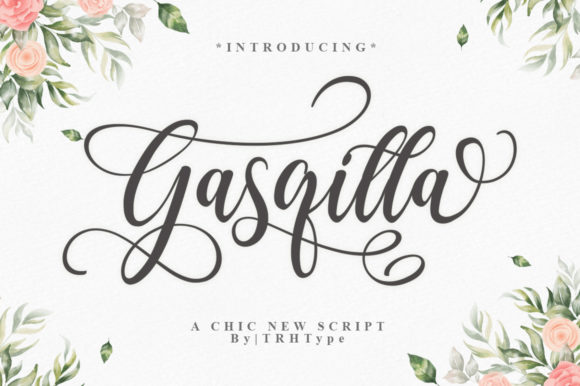
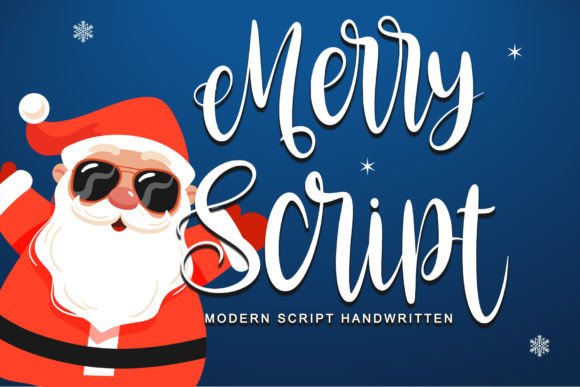
Merry Script is a festive, elegant handwritten typeface that feels both personal and intentional. It’s not overly ornate like some script fonts, which makes it perfect for small businesses looking to convey authenticity with a touch of sophistication. Whether used in a logo, label, or thank-you card, it gives off a “handwritten just for you” vibe that customers respond to.
This script font works especially well for businesses that want to feel approachable but still premium. Think of it as the difference between a printed label and a handwritten note from a friend—Merry Script bridges that gap beautifully.
Testing It Out: Real Use Cases in Business Branding
We used Merry Script across several customer-facing materials:
- Bakery boxes for seasonal cookie sets
- Thank-you cards for holiday orders
- Instagram story templates for promotions
- Business cards for the owner
In every case, the font added a personal, memorable touch. On the bakery boxes, it gave the brand a festive, boutique feel. On Instagram, it helped headlines stand out without being overwhelming. The business cards? Instantly warm and professional—something clients could tuck away and remember.
Where Merry Script Shines Best
While Merry Script isn’t ideal for long paragraphs or body text, it excels as a display font in branding materials. Here’s where it works best:
- Logos: Especially for lifestyle, wellness, food, or creative brands
- Product labels: Adds a boutique-style touch to candles, skincare, and baked goods
- Social media graphics: Great for headlines or callouts
- Thank-you cards and packaging inserts: Makes customers feel appreciated
- Event promotions: Wedding planners, holiday markets, and pop-up shops love its festive flair
If you’re using it on small labels or mobile screens, keep the text short and increase the tracking slightly to ensure readability. It’s also a good idea to test it at different sizes before printing or publishing.
Pairing It with Other Fonts for Visual Harmony
No font exists in a vacuum. To build a strong brand identity, it’s important to pair Merry Script with complementary typefaces. Here are some pairings that work well:
- With a clean sans serif like Montserrat or Lato for contrast and modernity
- With a soft serif like Playfair Display for a more editorial, elevated look
- With another script font for layered, handwritten-style layouts (use sparingly)
The goal is to create a visual hierarchy that guides the eye while keeping the overall design cohesive. For example, use Merry Script for a bakery’s name and a sans serif for flavor descriptions on packaging.
What to Check Before Using It in Your Branding
Before downloading and using Merry Script, I always remind clients to check the font’s licensing. If you’re using it in a product for resale (like custom packaging or digital templates), make sure it includes commercial font rights. Also, verify the file formats included—OTF and TTF are standard, but some platforms may require WOFF for web use.
Another tip: look for alternate characters, ligatures, and multilingual support if you plan to use the font internationally or want more stylistic flexibility.